AI workloads are changing how data centers must be built. Traditional servers used to draw a few kilowatts per rack. Now, AI clusters can push 50 to 100 kilowatts or more in the same space. That heat has to go somewhere, and ordinary air cooling often struggles to keep up.
If the temperature rises too much, servers throttle, performance drops, and in the worst case they shut down. That is why high-density cooling has become a core requirement for any facility that wants to host serious AI work.
How Much Heat Are We Talking About
A single high-end GPU can consume 700 watts or more. Put eight or sixteen of them in one server, and one rack can easily exceed 40–80 kW. Traditional hot-aisle / cold-aisle setups with raised floors were designed for 5–10 kW. Beyond that, the air simply cannot carry the heat away fast enough.
Operators start seeing hot spots, higher failure rates, and rising power usage effectiveness (PUE) numbers because the cooling plant works harder. Some facilities have already hit practical limits and must either limit rack density or invest in new cooling methods.
Air Cooling versus Liquid Cooling
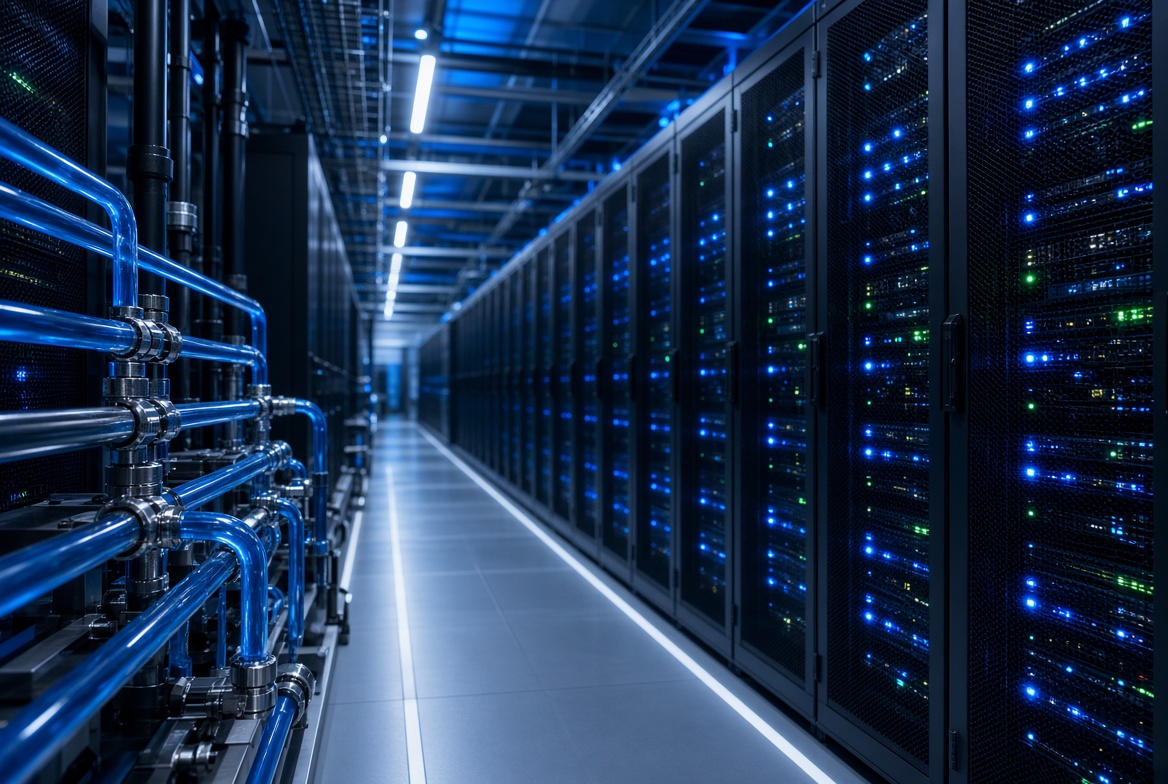
Air cooling still works for many workloads, especially when combined with better containment and more efficient CRAH units. But for true high-density AI racks, liquid cooling is becoming the practical choice. Direct-to-chip liquid cooling or rear-door heat exchangers can remove heat much closer to the source.
Liquid has higher heat capacity than air, so it needs less volume to carry the same energy. That means lower fan power and better overall efficiency. The trade-off is added complexity: plumbing, leak detection, and specialized maintenance. Facilities that already plan for these systems from day one usually have an easier time scaling later.
What Data Centers Need to Prepare
First, power delivery must match the density. Higher-density racks need thicker cables, better PDUs, and more careful load balancing. Second, the cooling plant itself needs capacity headroom and redundancy. A single point of failure in the cooling loop can take an entire AI cluster offline.
Monitoring becomes more important too. Sensors for temperature, humidity, and coolant flow should feed into a central system so operators can act before problems grow. Documentation and regular testing of the cooling infrastructure also matter when customers or auditors ask for proof of reliability.
Soft Selling and Real-World Choices
Facilities that already hold Tier IV certification and sit close to major internet exchanges in Jakarta tend to make stable connectivity and high-density support easier to maintain. When your workloads start moving toward AI or need higher power density per rack, a data center built for that load is simply more comfortable to run. Many teams also prefer colocation that offers a disaster-recovery option in a different city, such as Bali, so regional risks stay manageable.
Choosing a site that already supports liquid cooling or has clear plans for it saves time and cost compared with retrofitting an older hall. The physical location near internet exchanges also helps keep latency low when AI models need to talk to other systems or users.
Practical Steps for Teams
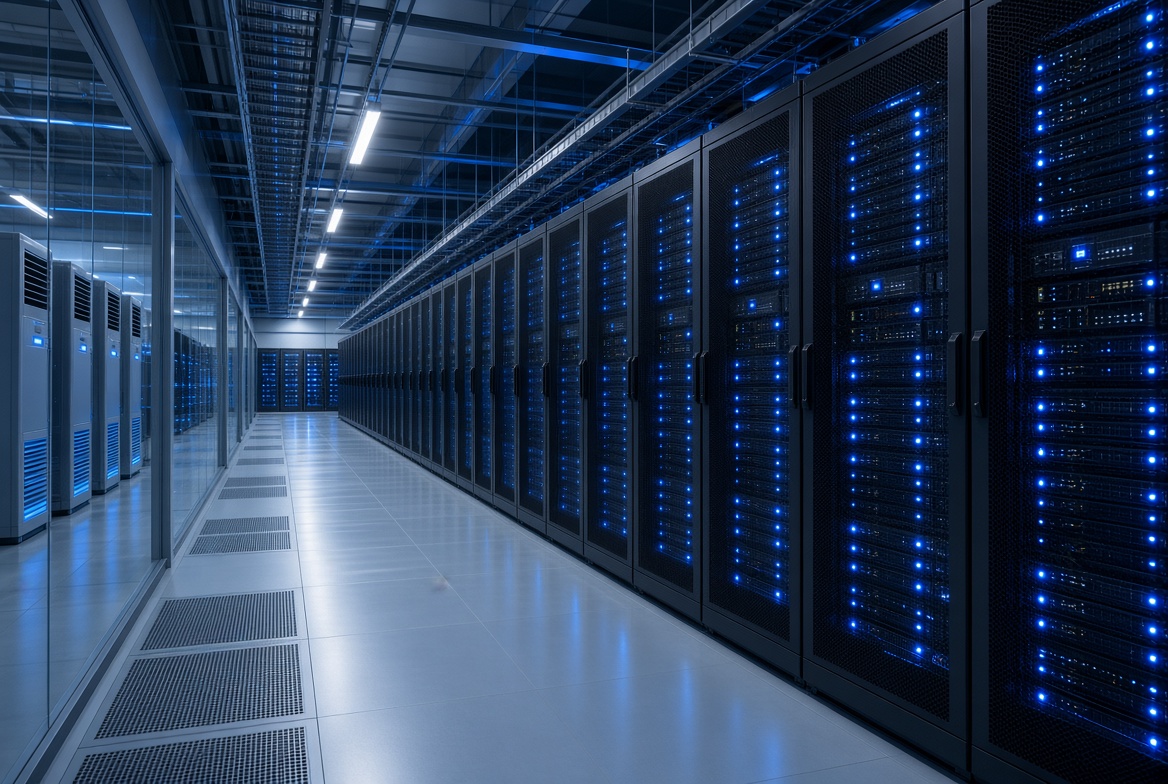
If you are evaluating colocation or building your own capacity, ask specifically about maximum supported kW per rack, the cooling technology in use, and how redundancy is designed. Request recent PUE figures and evidence of cooling testing. Walk the floor if possible and look at how hot and cold air (or coolant) is managed.
Start with a pilot rack if the density is new to you. Measure actual power draw and temperatures under real load. Adjust from there instead of guessing. That approach usually reveals whether the facility is truly ready or still catching up.
High-density cooling is no longer a future concern. It is already shaping which data centers can reliably host the next wave of AI and compute-heavy work. Facilities that prepare early tend to have fewer surprises later.