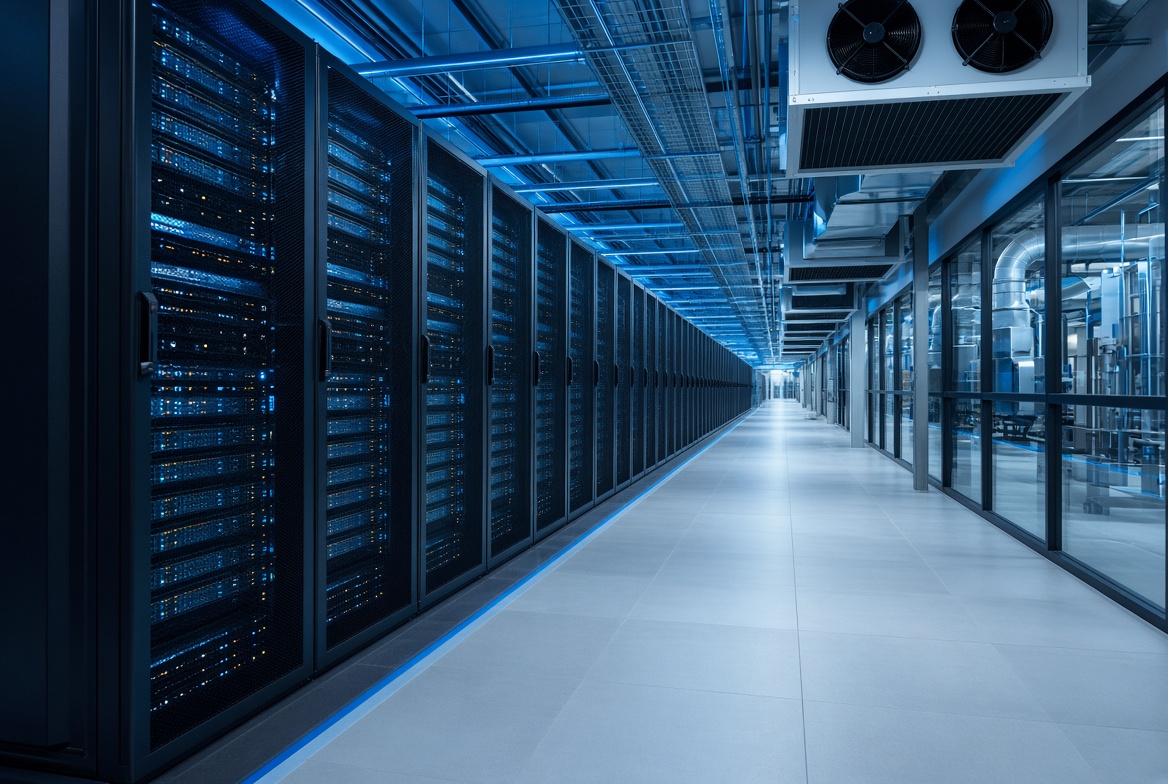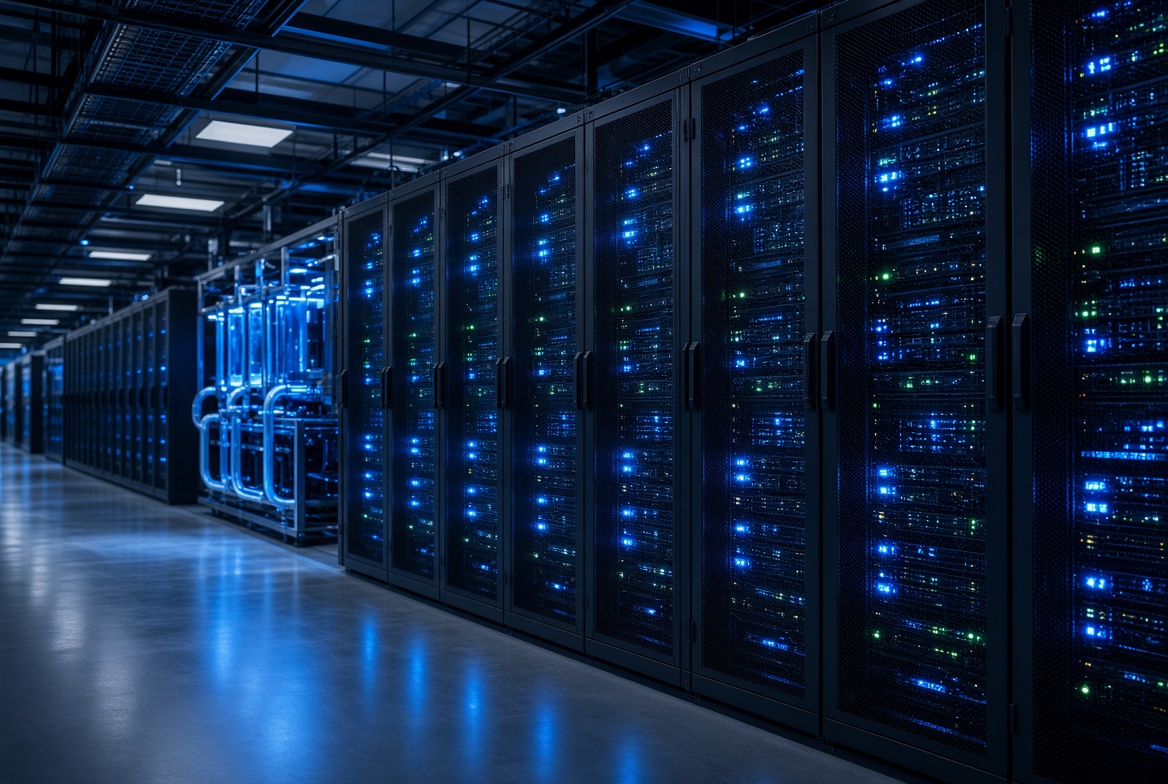
If your company is starting to run AI models, train small language tools, or just process a lot of video and images, the servers behind it get hotter and hungrier for power. Many people focus on the software or the GPU price. The place where those machines sit often gets less attention until something goes wrong.
A data center is not just a room full of racks. It has power systems, cooling, physical security, and network connections that all have to work together. When the load is ordinary office software, small gaps are easy to ignore. With AI the same gaps become painful fast.
What Changes with AI Loads
Traditional servers might draw a few kilowatts per rack. AI racks with multiple GPUs can jump much higher. Cooling that was fine last year suddenly struggles. Power circuits that looked oversized now run close to their limit. If the cooling fails even briefly, the machines throttle or shut down.
At the same time the network side matters more. Training jobs or inference calls often talk to storage and other systems constantly. Latency spikes or packet loss that were tolerable for email become visible when the AI service is customer-facing.
How Tier Ratings Help
Tier ratings from the Uptime Institute describe how much redundancy the facility has. Higher tiers mean more backup paths for power and cooling. A Tier III site can usually keep running through planned maintenance. A Tier IV site is designed so that almost any single failure does not take the whole place down.
For AI that difference shows up when a generator test or a cooling unit service happens. In a lower-rated room the job might pause. In a higher-rated one the systems switch over without the applications noticing. Facilities that already hold Tier IV certification and sit close to major internet exchanges in Jakarta tend to make stable connectivity easier to maintain while still giving the power density AI racks need.
Practical Things to Check
Ask about the power density the facility actually supports per rack today, not just the marketing number. Check how the cooling is delivered to high-density rows. Look at the network options: direct connections to the main internet exchanges, cross-connects to other carriers, and the path diversity.
Also look at disaster recovery options. Many teams prefer colocation that also offers a disaster-recovery option in a different city so regional risks stay manageable. Having a second site in a place like Bali, for example, lets you keep a warm copy of critical systems without putting everything in one building.
Starting Small Is Still Possible
You do not need to move everything on day one. Many companies begin by placing only the AI training or inference nodes in a better facility while the rest of the workloads stay where they are. Remote hands support helps when the local team cannot visit often.
The key is to match the facility to the actual load you expect in the next one or two years, not just the load you have today. When your workloads start moving toward AI or need higher power density per rack, a data center built for that load is simply more comfortable to run.
Conclusion
AI makes the physical side of computing more visible. Power, cooling, and network quality stop being background details. Choosing a data center that already meets higher Tier standards and offers good connectivity and recovery options reduces the number of surprises later. It does not remove every risk, but it removes a lot of the ones that are expensive to fix after the fact.