Many teams focus on GPU count and model size when they move AI workloads. They check whether the server has enough memory and network. Then they are surprised when the machines throttle or trip breakers after a few hours of full load.
The issue is often not the software. It is how much power one rack needs and whether the cooling can remove the heat that power creates. A rack that used to draw 5–8 kW can now pull 20–40 kW or more with modern AI servers. Older facilities were not built for that.
What High Density Actually Means in Practice
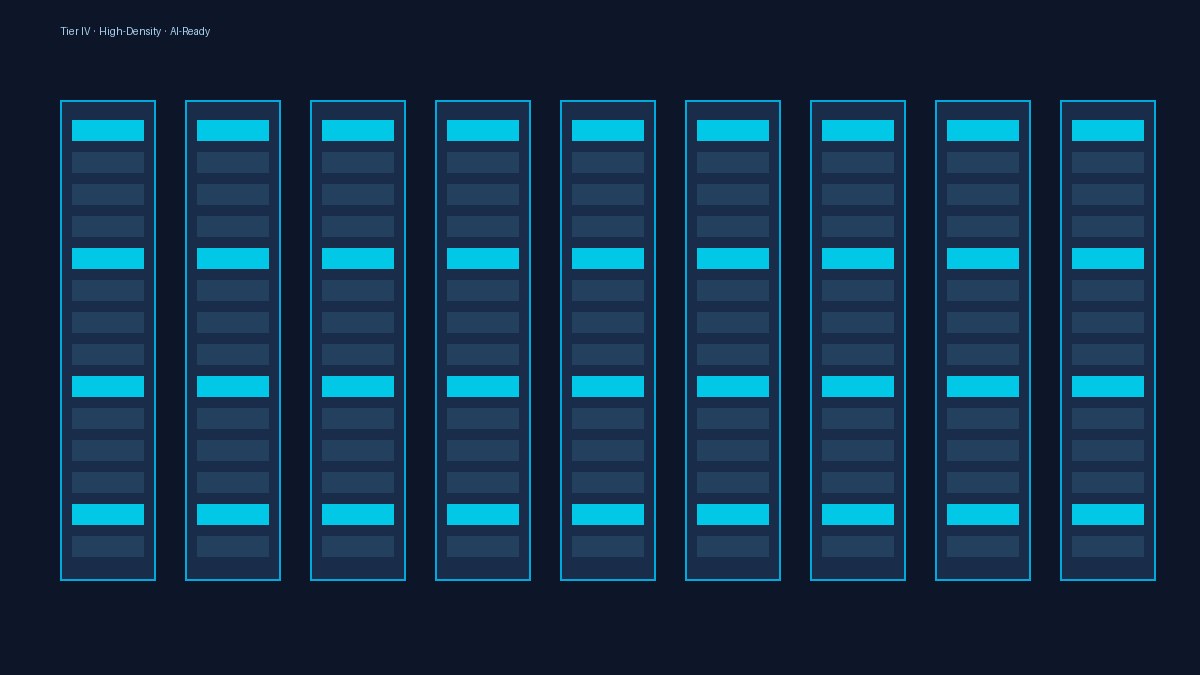
Power density is simply how many watts of electricity a single rack consumes. Traditional enterprise racks stayed comfortable below 10 kW. AI training racks regularly exceed that because each GPU draws hundreds of watts and there are many of them packed tightly.
When density rises, two things happen at once. The electrical circuits must deliver more current without overheating the cables or the PDUs. At the same time the cooling system must move a lot more heat out of a small volume of air. If either side is undersized, the servers protect themselves by slowing down or shutting off.
- Electrical side: breakers trip or voltage drops when several racks hit peak at the same time.
- Cooling side: inlet air temperature climbs and the GPUs reduce clock speed to stay within safe limits.
Why Older Cooling Designs Struggle
Most data centers built a decade ago use raised-floor or perimeter cooling. Cold air is pushed under the floor or from the walls and relies on the servers to pull it through. That works when racks are not too dense. Once a rack needs 30 kW, the volume of air required becomes large and the path gets restricted.
Hot spots appear between the GPUs. Sensors may still show acceptable average room temperature while individual chips are already throttling. Teams then add more fans or lower the setpoint, which raises energy use and still does not solve the local problem.
A facility can report good average temperatures and still have AI workloads that run slower than expected because heat is trapped inside the high-density racks.
What Changes When the Facility Was Designed for It
Facilities that planned for higher density usually have closer cooling, rear-door heat exchangers, or direct liquid cooling options. Power distribution is also sized with higher-capacity busways or more circuits per rack. Containment is tighter so cold and hot air do not mix.
When your workloads start moving toward AI or need higher power density per rack, a data center built for that load is simply more comfortable to run. You spend less time watching temperatures and more time on the actual training jobs.
Facilities that already hold Tier IV certification and sit close to major internet exchanges in Jakarta tend to make stable connectivity easier to maintain while the power and cooling side stays within design limits. Some also offer a disaster-recovery option in a different city so regional risks stay manageable.
Practical Checks Before You Place the Racks
Ask for the maximum supported kW per rack and the cooling method used at that density. Request recent load-test results if available. Walk the floor and look at how air actually moves around existing high-density areas. Check whether the electrical design allows you to add circuits without major rework.
Those details matter more than the headline capacity number. A site can have plenty of total megawatts yet still be unable to deliver them cleanly into the racks you need for AI.
Once the power and cooling match the actual draw of the servers, the workload runs at the speed the hardware was built for. Everything else becomes easier to manage.